Table of Contents
Summary
• WhatsApp Web now supports full audio and video calls, 1:1 and group, with no app download needed.
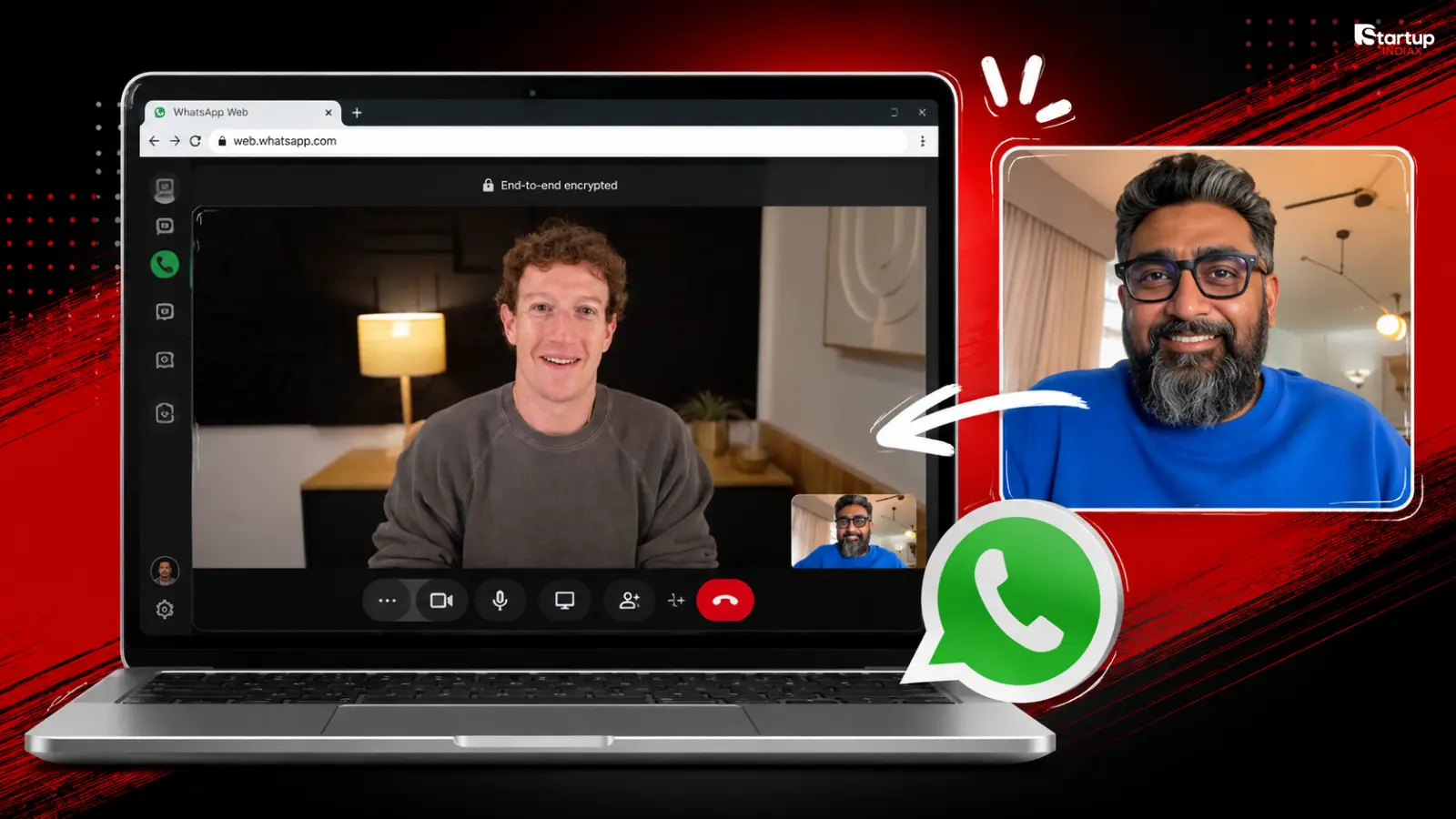
• Kunal Shah, CRED’s founder and WhatsApp’s new global CEO, announced it with a browser call to Mark Zuckerberg.
• The update also adds Call Transfer, Waiting Room and Background Noise Suppression, rolling out gradually worldwide.
For over a decade, picking up a WhatsApp call meant reaching for your phone. That changed on July 28, 2026, when Meta rolled out full voice and video calling on WhatsApp Web, no desktop app required.
The announcement itself was the story within the story. It came from Kunal Shah, the CRED founder who joined Meta about a month ago to lead WhatsApp’s next phase of growth, in his first big public move as the app’s global CEO. Shah posted a screenshot on X of himself on a browser call with Meta CEO Mark Zuckerberg, captioning it: “WhatsApp calls now work in your browser. Your 47 open Chrome tabs finally got company that’s actually useful.“
It’s a very Kunal Shah way to announce something. No press release, no roadshow, just a screenshot and a line that sounds like it belongs in a CRED ad.
What actually shipped
Web Calling is the headline feature. You can now start or answer one-on-one and group audio or video calls straight from web.whatsapp.com, with the same protections as the app: end-to-end encryption, no time limits, and no cost. Screen sharing, reactions, and a dedicated Calls tab with your full call history come along with it.
Three more features are rolling out alongside it:
- Call Transfer lets you move an active group call from your phone to your browser or desktop app without hanging up or rejoining.
- Waiting Room gives hosts control over who joins a group call before they’re let in, useful for anyone running larger or more public calls.
- Background Noise Suppression cleans up audio automatically, aimed at the reality that most calls happen from cafes and offices, not quiet rooms.
Some coverage also points to a fifth addition called QuickHD, which sharpens video quality in the first few seconds of a call instead of the usual blurry start. Meta hasn’t detailed it in its own blog post, so treat it as a feature still surfacing through the rollout rather than a confirmed headline item.
Meta says the features are live but rolling out gradually, so not everyone will see them on day one.
Read More: Arattai vs WhatsApp: India’s New Messaging App Explained
Why this matters more than a typical feature drop
WhatsApp has quietly become India’s most important piece of communication infrastructure, used for everything from family group chats to running small D2C businesses on WhatsApp Business. A browser gap that forced users back to their phones or a separate desktop app was a small but real friction point, especially for anyone on a work laptop that doesn’t allow installs, or a shared computer at a cyber cafe or college lab.
It also lands at a moment when WhatsApp is facing more competition at home than it has in years. Arattai, the government-backed Indian messaging app, has been pitched as a homegrown alternative built around local data storage, something Startup INDIAX has covered in detail. Shipping a feature that closes an obvious usability gap, right as an Indian founder takes charge of the app, is unlikely to be a coincidence.
The founder angle Startup INDIAX cares about
Shah built FreeCharge, then built CRED into one of India’s most talked-about fintech unicorns, known as much for its cinematic ad campaigns as its product. Now he’s running global product decisions for an app with billions of users. His first move wasn’t a splashy AI feature or a new business tool. It was closing a basic gap that’s existed for years.
That’s worth watching. Founders who’ve built consumer products in India tend to obsess over friction points that look small on paper but matter enormously in daily use. If Shah’s early WhatsApp moves keep following that instinct, it’s a signal for how he might run product at Meta scale.
Read More: Pavel Durov-led Telegram: $30B Company, 30 Employees
If you’re building anything that runs on top of WhatsApp, whether that’s customer support, D2C order updates, or community groups, this closes a real gap in how your team can use it day to day. Drop a comment if you’ve already tried calling from web.whatsapp.com, or if you’re holding out for Arattai instead.
FAQs
What is WhatsApp Web Calling?
It’s a new feature letting users make and receive one-on-one and group audio or video calls directly from a browser at web.whatsapp.com, without needing the desktop app.
Who announced the WhatsApp Web calling feature?
Kunal Shah, the CRED founder who recently became WhatsApp’s global CEO, announced it on X with a screenshot of a browser call with Meta CEO Mark Zuckerberg.
Is WhatsApp Web calling encrypted?
Yes. Meta says web calls carry the same end-to-end encryption as calls on the mobile and desktop apps, with no time limits and no cost.
What is Call Transfer on WhatsApp?
It lets you move an active group call from one device to another, say phone to browser, without hanging up or rejoining.
What is the Waiting Room feature?
It lets the host of a group call approve who joins before letting them in, giving more control over larger or public calls.
Is this feature available to everyone right now?
It’s rolling out gradually worldwide, so availability may vary by region and app version for the next few weeks.